 Y2Mate
01
Copy and Paste Your YouTube Link
Open the video you want to save and copy its share link. Paste the address into the box above, choose MP3 or MP4, and press Convert. You can paste manually if clipboard access is unavailable.
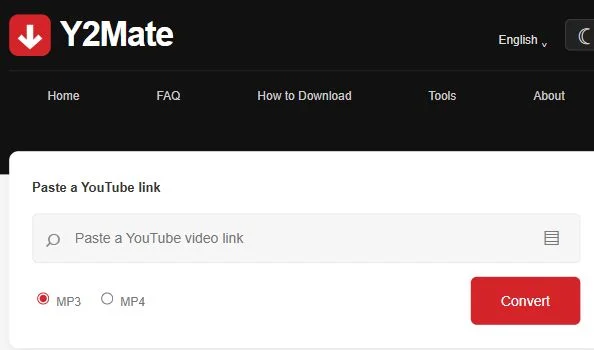
Convert a YouTube video into MP3 audio or MP4 video. Paste a link above, check the title, and select an available quality. Choose MP3 for audio, or MP4 to keep the video.
Single-video links supported. Available quality depends on the source.
Open the video you want to save and copy its share link. Paste the address into the box above, choose MP3 or MP4, and press Convert. You can paste manually if clipboard access is unavailable.
Wait for the conversion panel to load, then check the video title. Use its MP3 tab for sound only or MP4 for video. The panel shows the available file sizes and quality options for that particular recording.
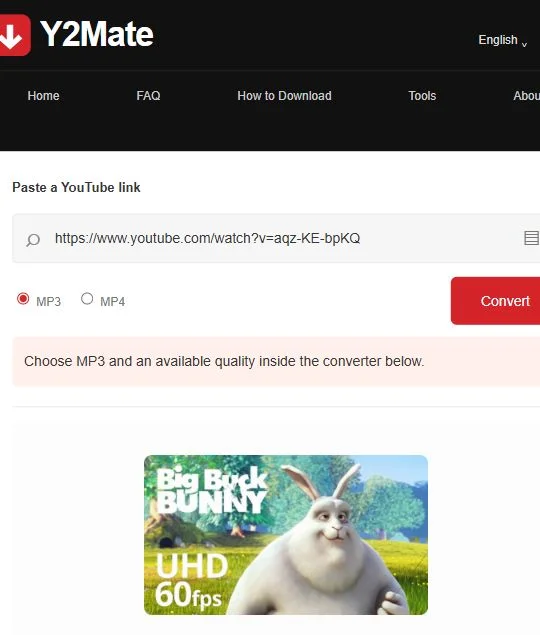
Choose an offered bitrate or resolution to begin preparing your file. Follow the download prompt when it appears, then check your browser’s downloads list to confirm the transfer has finished. If a prepared link expires, paste the original video address again.
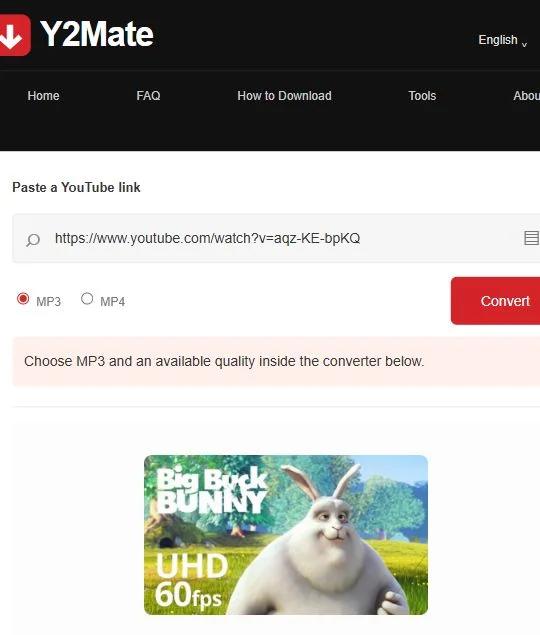
Keep the sound when you do not need the picture. Compare the available bitrates and file sizes before choosing.
Save an available video version. A larger resolution usually needs more storage and may take longer to transfer.
Use the link form in your phone’s browser. Find saved files through your downloads list or device file manager.
Y2Mate provides an interface for opening available MP3 audio and MP4 video conversion options from a YouTube link.
Copy the video link, paste it into the box above, and select Convert. Choose a format and quality inside the conversion panel.
MP3 saves audio only. MP4 keeps the video and may include audio, depending on the selected option.
The form accepts individual YouTube video links, youtu.be share links, and Shorts links. Channel and playlist downloads are not supported.
Yes. Open the website in a compatible mobile browser, paste your video link, and choose an available download option.
No account is required to use this website’s link form.
The conversion panel lists available options for each video. Availability depends on the source and the conversion provider; a higher setting cannot restore detail missing from the original.
Check your browser’s downloads list or Downloads folder. On an iPhone or iPad, also check the Files app and your browser’s selected download location.
Check that the link opens the intended video. Removed, private, or restricted videos may not work. The conversion provider may also be temporarily unavailable; try again later.
Prepared links can expire. Submit the original video link again to request fresh options, then select the file you want to save.